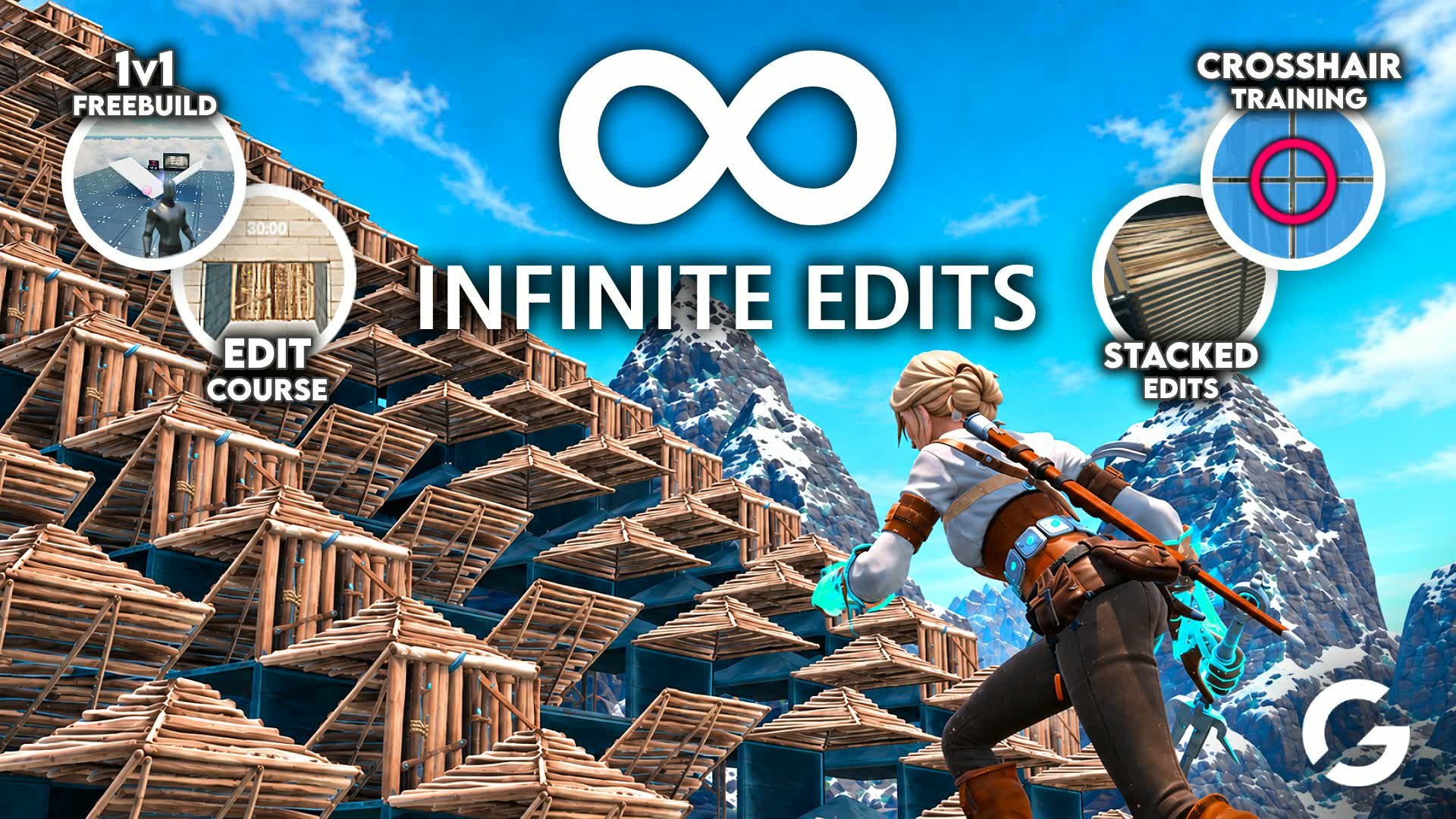

Über diese Insel
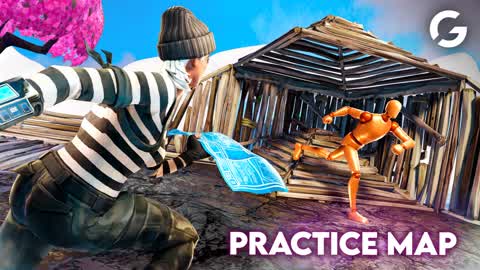
📝 Bearbeite die Welt unendlich lange ohne neu starten zu müssen!
👥 1vs1-Rennen auf einer Bearbeitungsstrecke für Duos für alle Fertigkeitslevel – mit Bestenliste!
💚 Geschichtete Bearbeitungen!
✏️ Fadenkreuz-Platzierungsübungen!
🔥 Bereich für freies Bauen und 1vs1 + 1vs1-Bot
🤖 Übe mit Bots im Freibau-Bereich!
💪 Perfekt zum Aufwärmen!
💛 ULTRASCHWERE Bearbeitungen für die Bearbeitungslegenden!
📱 Benutze die Fernbedienung, um jederzeit zurückzukehren!
👑 Erhöhe dein Bearbeitungslevel!
🎯 Zieleinheiten und Zielduelle!

Tipp: Eine private Lobby ist am besten geeignet!

Von @Gabriellho
edit course
practice
1v1
duo
39Aktiv
Mediengalerie

Gabriellho Comm
11.992Follower
11Posts
Community-Highlights
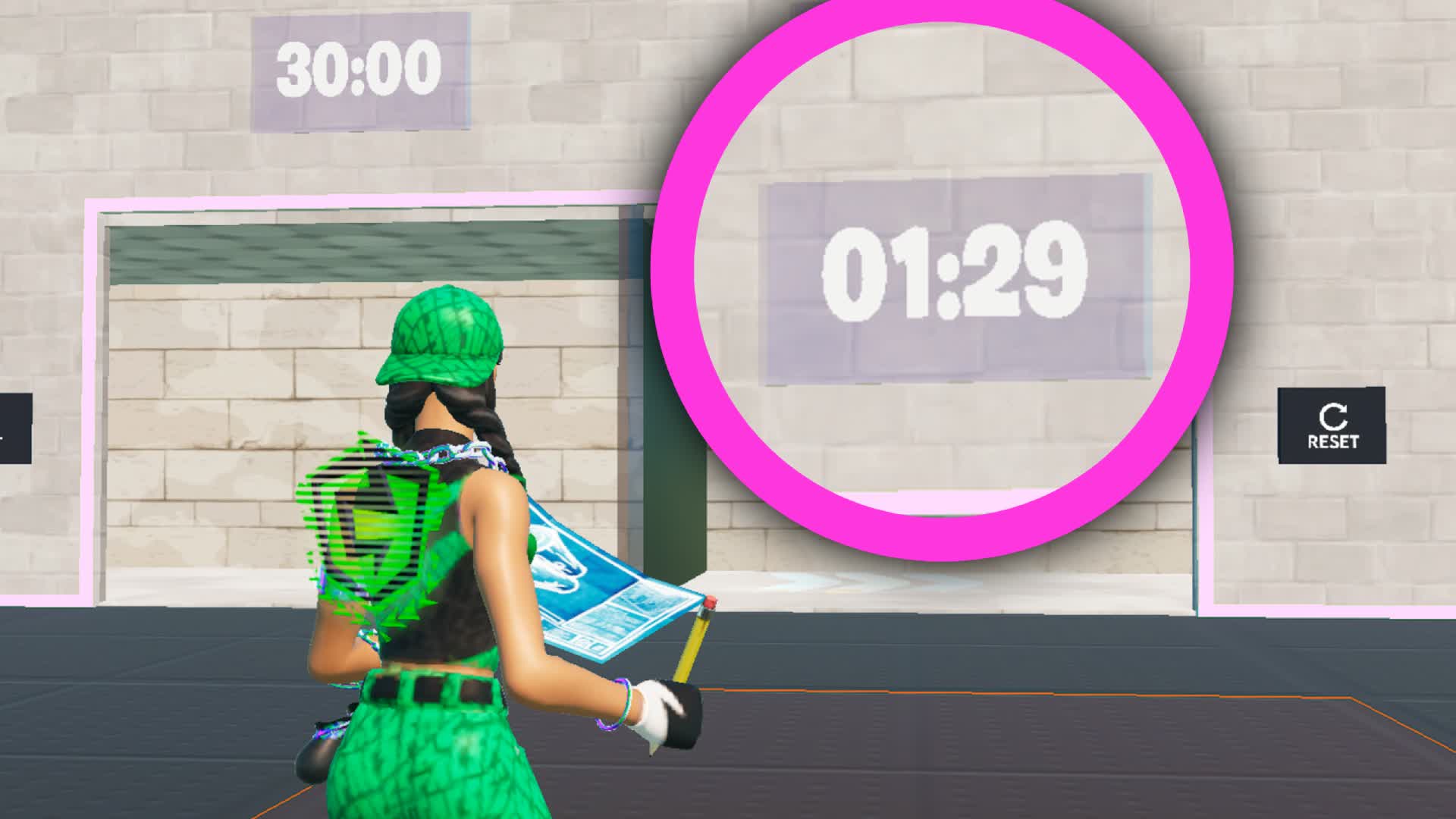
INFINITE Edits Map!
Godafortnite1 hatte bereits mit einer Zeit von 1:32 den #1-Platz inne, hat seinen Rekord aber jetzt auf 1:29 verbessert! Schau dir seinen Run hier an:Weltrekord gebrochen!
1 Reaktionen
 inperatore bt
vor 17 Min.
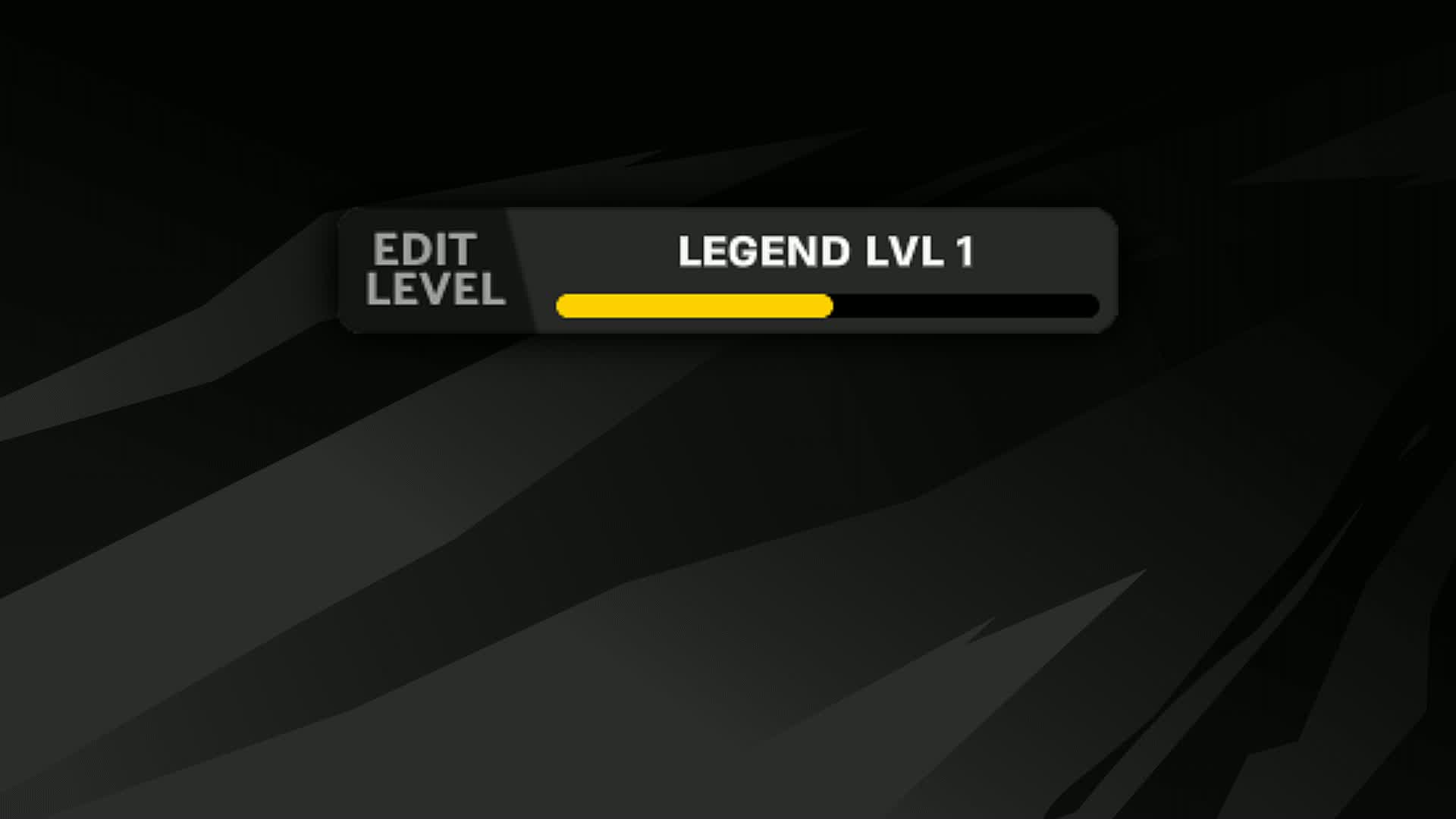
INFINITE Edits Map!
Submit your Edit Legend Level here to appear on the leaderboard!Reiche dein Legendenlevel ein!
650 Reaktionen
3 Antworten
inperatore btletzten Monat
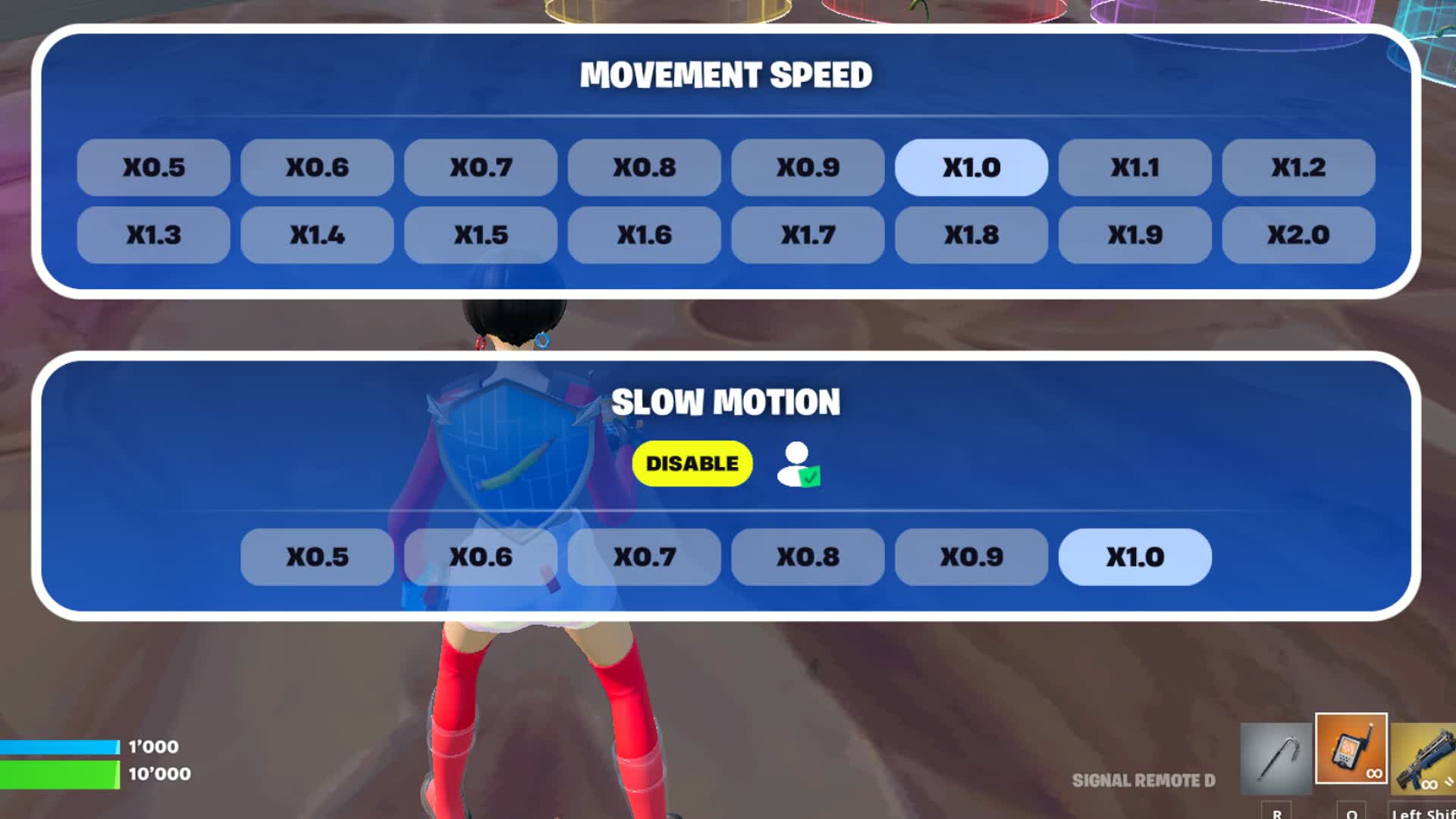
INFINITE Edits Map!
Du kannst jetzt Zeitlupe mit deiner goldenen Fernbedienung aktivieren, indem du Rechtsklick/L2/LT drückst (oder die lilafarbene Fernbedienung verwendest).Zeitlupeneffekt hinzugefügt!
1541 Reaktionen
inperatore btvor 4 Monaten
INFINITE Edits Map!
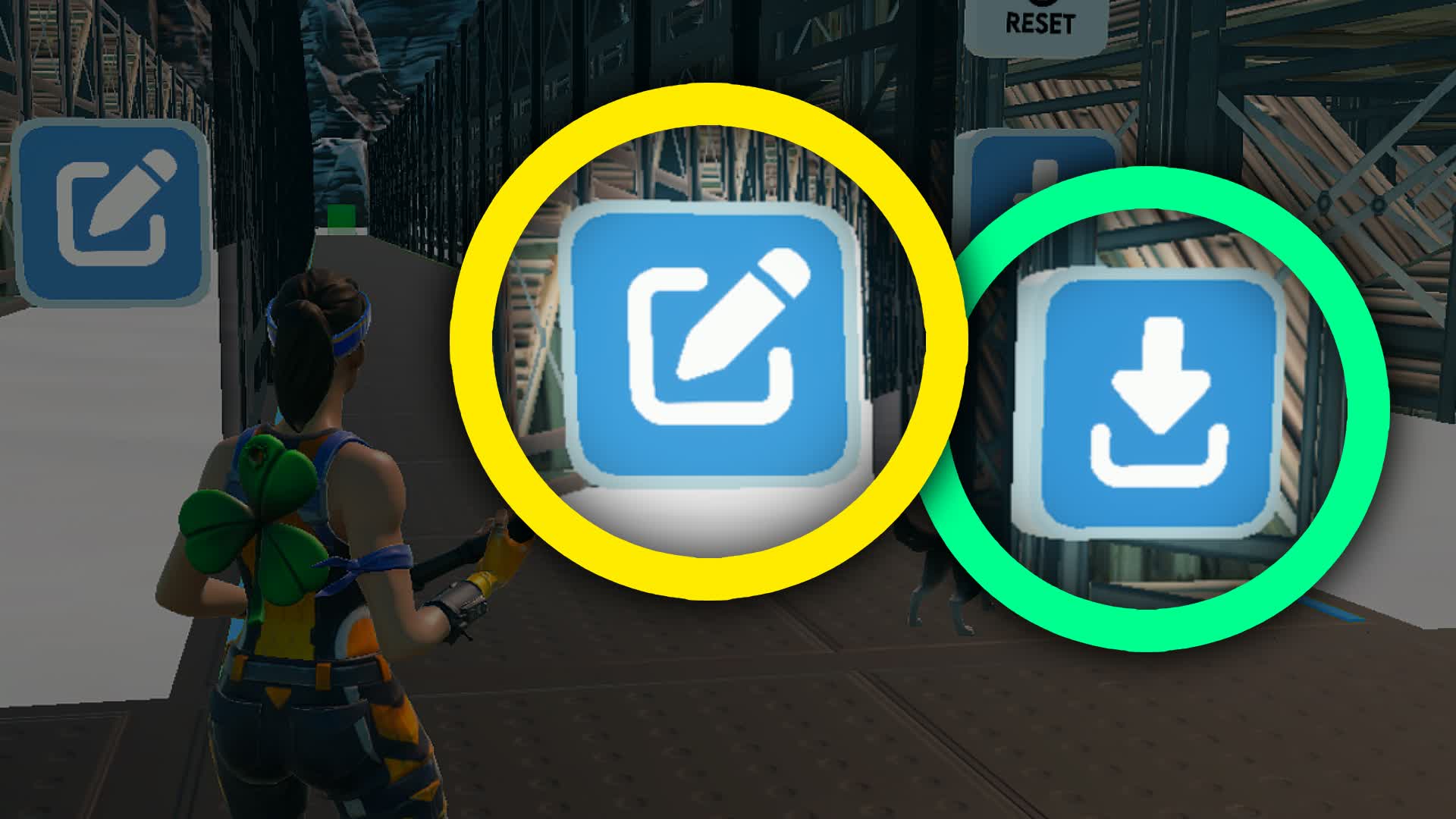
You can now make your own edit course in the map, with up to 4 different combinations per tile! You don't have to use all 4 tiles, you can also just have 1 tile (or 2, or 3!), it will automatically fill the whole edit course!NEW Custom Edits!
1316 Reaktionen
1 Antworten
inperatore btvor 6 Monaten
INFINITE Edits Map!
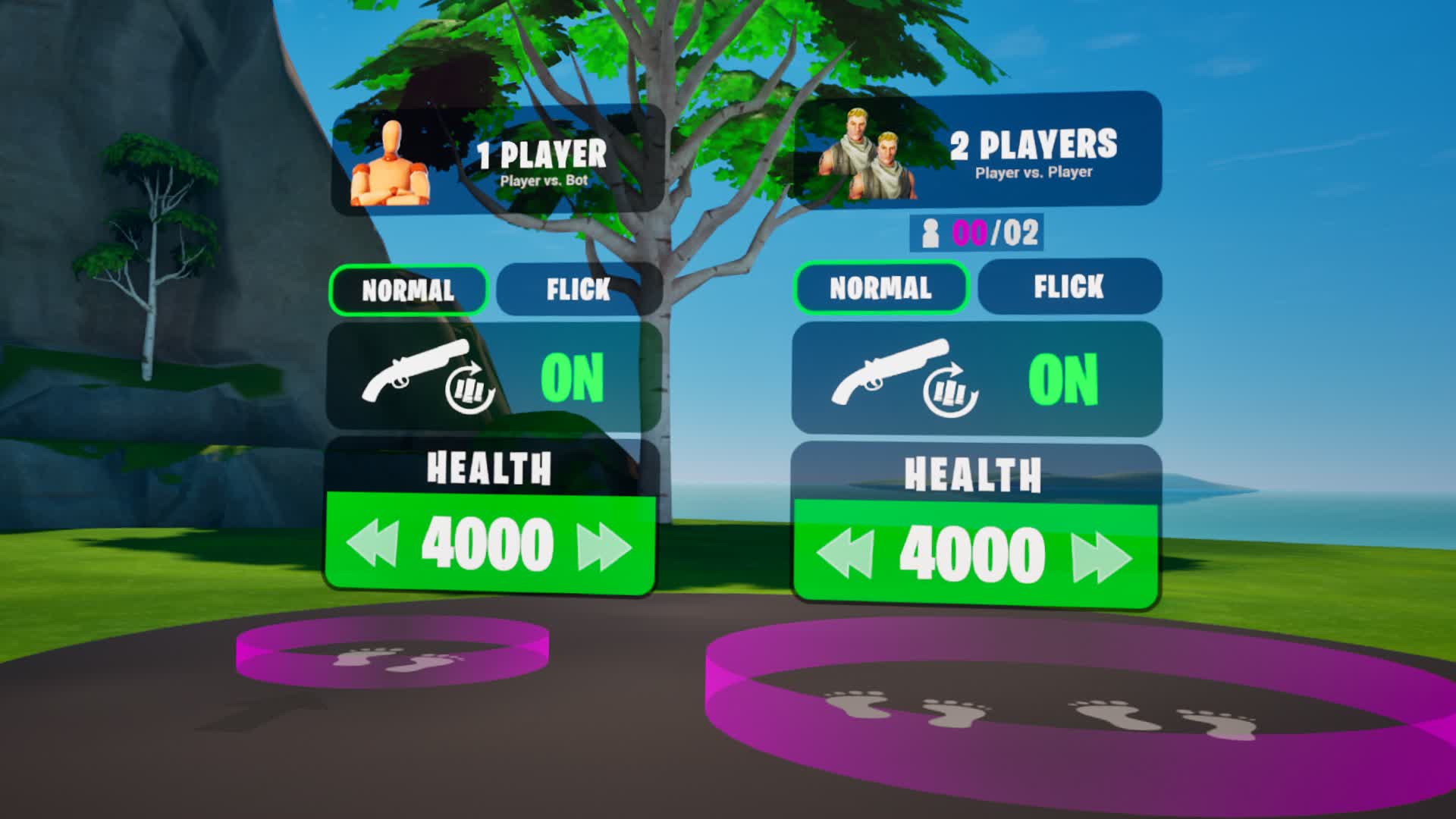
Warm up your Aim with Aim Duels against a Bot or against a Player! You can find the Aim Duels in the Aim Warmup area!New Aim Duels!
1189 Reaktionen
inperatore btvor 9 Monaten
INFINITE Edits Map!
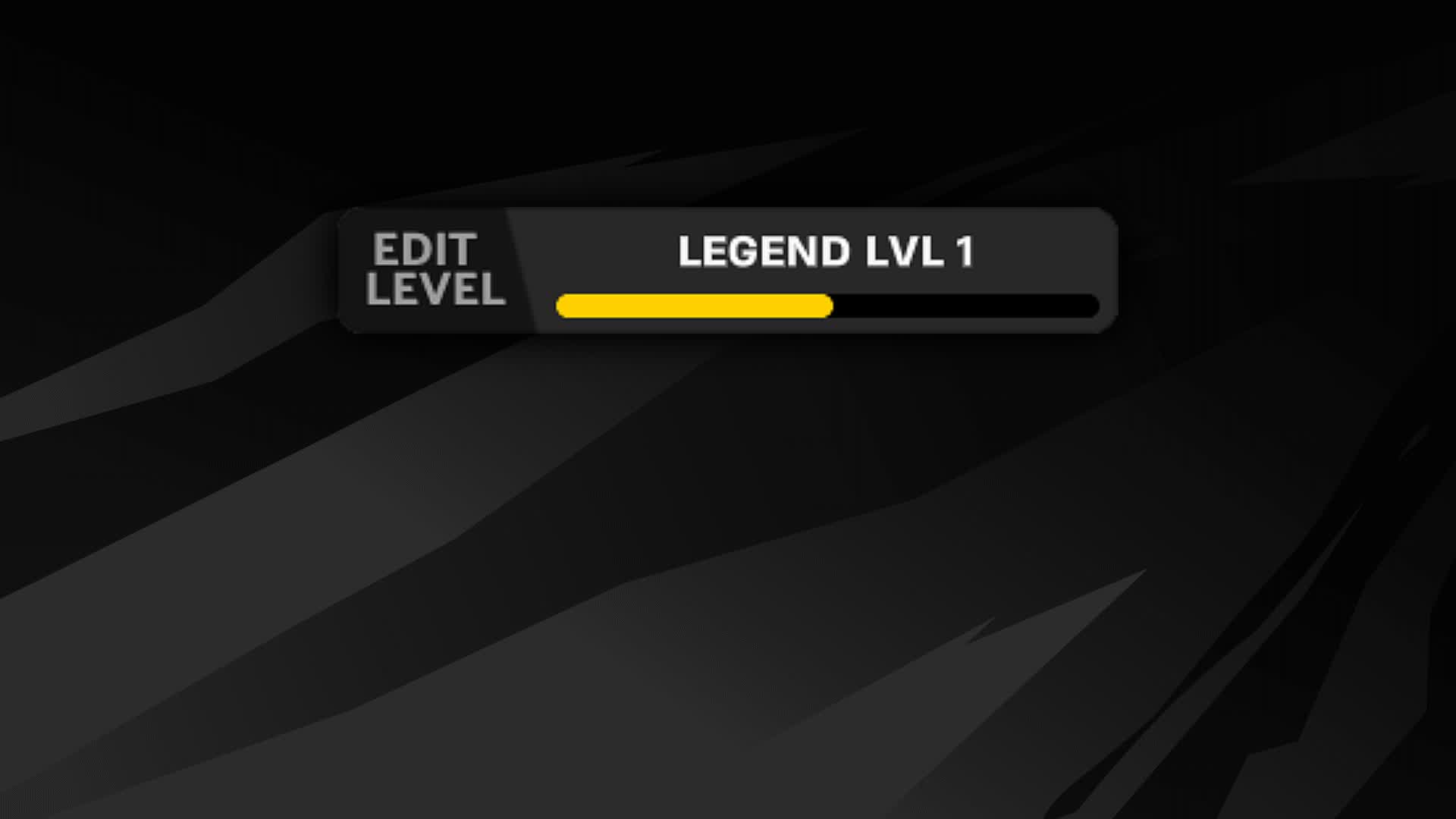
Submit your Edit Legend level here to appear on the leaderboard!Submit your Rank!
1546 Reaktionen
7 Antworten
inperatore btvor 9 Monaten
INFINITE Edits Map!
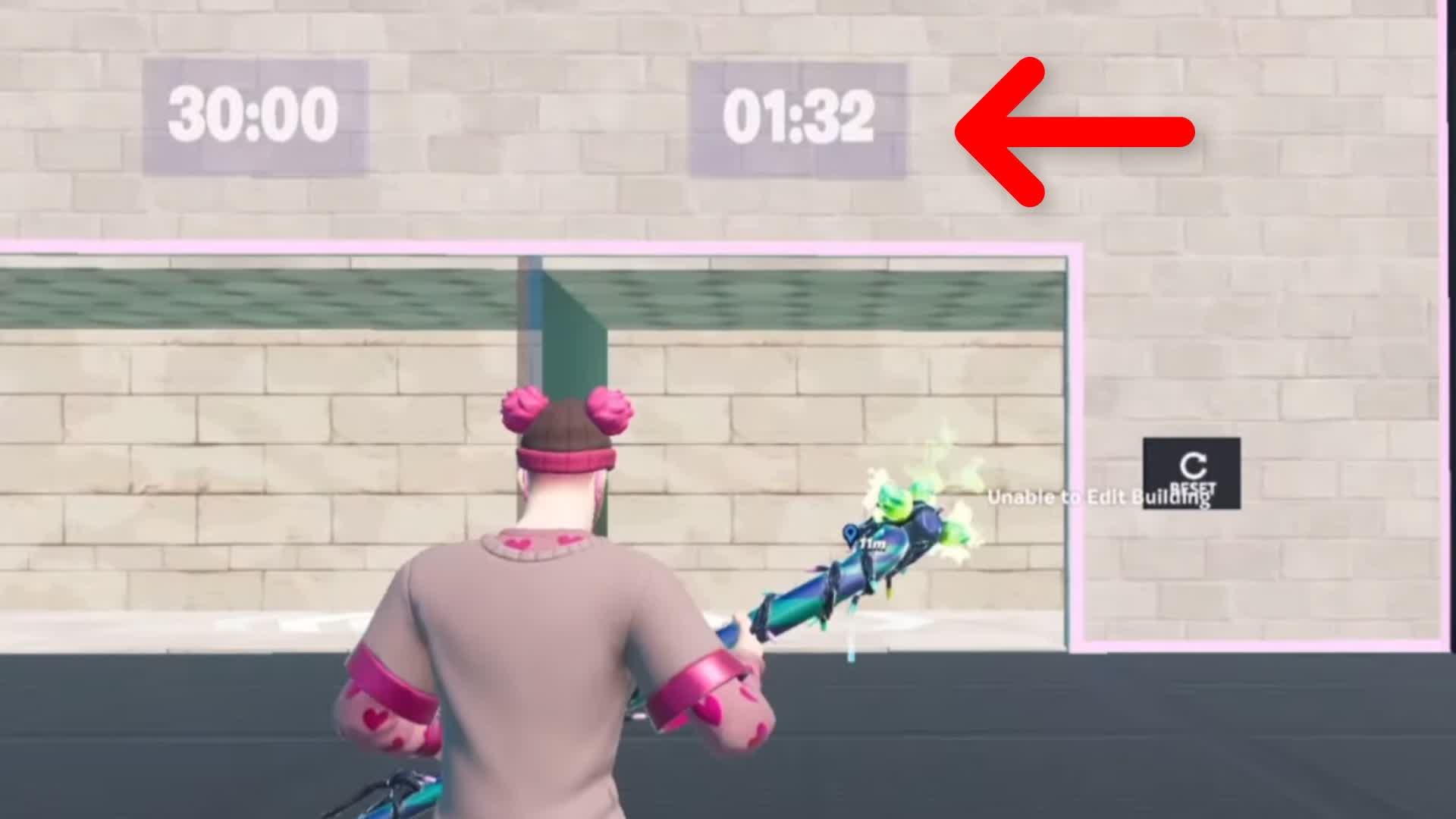
Godafortnite1 still holds the record for #1 in the Advanced Edit Course (1:32), and has been holding the number 1 spot for a while now! He seems to be unbeatable...No One Can Beat His Time...
970 Reaktionen
10 Antworten
inperatore btvor 9 Monaten
Community-Kanäle
- UNENDLICH-Edits-Map!Posts: 8Antworten: 24Letzter Post:#1 WR-Kurs bearbeitenvor 17 Min.inperatore bt
T
Gleichzeitige Nutzer3
![Aurora 1v1 ✨ [Music, Slowmotion, Lofi]](https://cdn-0001.qstv.on.epicgames.com/KJhoBlqHVJHttlEedc/image/landscape_comp_s.jpeg)

T
Gleichzeitige Nutzer7

![Unendliche Endgame-Zonenwars [Gewertet]](https://cdn-0001.qstv.on.epicgames.com/HoBKuBaZxQJgYoNhDB/image/landscape_comp_s.jpeg)

![Freebuild [Kreativmodus-Trainingsbots 1v1v1]](https://cdn-0001.qstv.on.epicgames.com/casjPdNSNbTOKeUmZC/image/landscape_comp_s_b.jpeg)

Anleitung zum Spielen dieser Insel
- Schritt 1Fortnite herunterladenWenn du Fortnite nicht bereits besitzt, kannst du es kostenlos herunterladen.
- Schritt 2Rufe die Suche aufGehe in Fortnite zur Suche, indem du nach unten zum Entdecken-Bildschirm scrollst.
- Schritt 3Suche eine InselDu kannst die Insel anhand ihres Inselcodes oder -namens suchen. Wähle sie aus und schon kannst du losspielen!
Insel meldenAnmelden, um die Insel zu melden