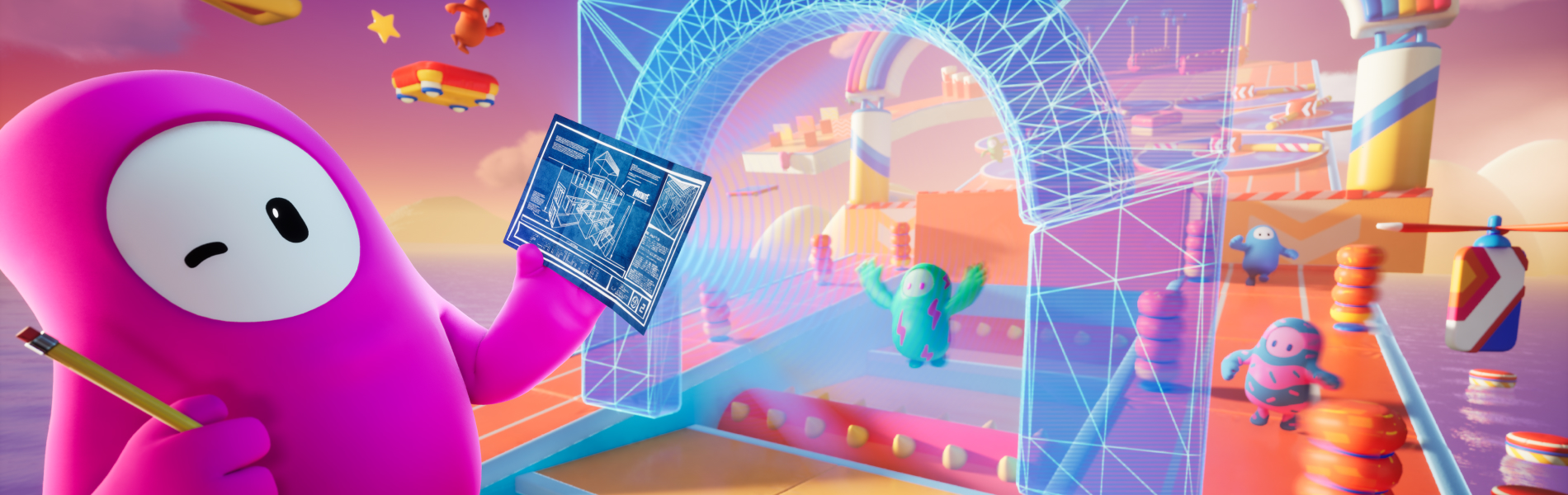
You can now create Fall Guys islands in Fortnite using UEFN and Fortnite Creative!
INSERT BEANSTALK TOOLS TRAILER CUTDOWN
Start a new project using the Fall Guys template and you’ll get access to a large selection of Fall Guys assets straight from the Blunderdome. When a player joins a Fall Guys island, their Fortnite Outfit will automatically become a Fall Guys Bean. All player characters will look, feel, and even move like the Beans you know and love from Fall Guys!
(If your equipped Outfit is based on intellectual property besides Fortnite, your Bean will be a preset “default” Bean.)

As well as Fall Guys assets, you’ll still have access to a large selection of Fortnite devices, items, props, and Galleries alongside the ability to import your own assets. That means you can create Fall Guys-inspired obstacle courses and your very own Blunderdome-inspired gameplay!

Your island needs to align with the Fall Guys island age ratings which means your island must have an ESRB rating of E for Everyone to be accessible to players in the United States, and a PEGI rating of 7 or lower to be accessible to players in most of Europe. Check out our Building Fall Guys Islands documentation for more info.
You will be able to publish your Fall Guys islands starting August 6 via the Creator Portal — these islands won’t auto-publish so you’ll need to do it manually. Islands created with the Fall Guys template may qualify for placement in a limited time "Fall Guys" row in Discover.
To give you enough time to innovate and make something players will love, you can get your hands on the tools now. Dive in and start cooking up your Fall Guys creation today!
Want to learn more about the Fall Guys template? Check out the Working with Fall Guys Island documentation.
INSERT BEANSTALK TOOLS TRAILER CUTDOWN
Start a new project using the Fall Guys template and you’ll get access to a large selection of Fall Guys assets straight from the Blunderdome. When a player joins a Fall Guys island, their Fortnite Outfit will automatically become a Fall Guys Bean. All player characters will look, feel, and even move like the Beans you know and love from Fall Guys!
(If your equipped Outfit is based on intellectual property besides Fortnite, your Bean will be a preset “default” Bean.)
As well as Fall Guys assets, you’ll still have access to a large selection of Fortnite devices, items, props, and Galleries alongside the ability to import your own assets. That means you can create Fall Guys-inspired obstacle courses and your very own Blunderdome-inspired gameplay!
Your island needs to align with the Fall Guys island age ratings which means your island must have an ESRB rating of E for Everyone to be accessible to players in the United States, and a PEGI rating of 7 or lower to be accessible to players in most of Europe. Check out our Building Fall Guys Islands documentation for more info.
You will be able to publish your Fall Guys islands starting August 6 via the Creator Portal — these islands won’t auto-publish so you’ll need to do it manually. Islands created with the Fall Guys template may qualify for placement in a limited time "Fall Guys" row in Discover.
To give you enough time to innovate and make something players will love, you can get your hands on the tools now. Dive in and start cooking up your Fall Guys creation today!
Want to learn more about the Fall Guys template? Check out the Working with Fall Guys Island documentation.